How to Print Your Own Sticker Images in Australia
You made a grid of stickers on your phone and now you want them on a drink bottle. What actually stands between a sticker image and a real peel-off sticker.
By Jess Holloway5 min read
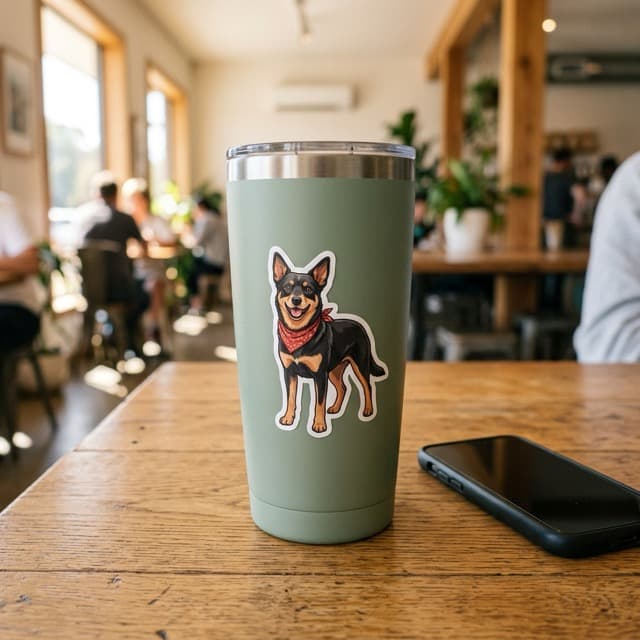
The grid on your phone is not a sticker yet
Imagine you have nine cartoon drawings of your dog in a three-by-three grid. You made them in a chat app in a few minutes. Now you want them on your water bottle.
The obvious route is sticker paper, a home printer and kitchen scissors. What comes out is usually a page of slightly blurry dog.
Those phone sticker makers are good at the thing they were built for. You pick a photo, pick a style, and get something that looks great in a group chat. It stops at the screen, on purpose. There's no printer at the other end and nothing gets posted to you.
Getting from that image to a sticker you can peel is a separate job, and it's mostly unglamorous.
Nine stickers on screen. One file on your phone.
This is the part that catches people. On your phone you see nine stickers. On your phone's storage there is one square image with nine drawings inside it.
A printer sees the square. Something still has to decide where the cuts go, and unless you pay for that, the something is you and a pair of scissors.
That white outline you see around a proper sticker isn't styling. It's the path the blade follows. When we draw a sheet, every character gets a thick white die-cut outline, and the sheet gets split along those outlines before anything goes to print. A chat image has no reason to think about cut lines, because nothing is ever going to cut it.
Divide the width by three
Print wants roughly 300 pixels per inch. A 7.5 cm sticker is just under three inches across, so it wants somewhere in the neighbourhood of 900 pixels of actual image.
Now look at your grid. Whatever its width is, each little sticker gets a third of it. A square image around a thousand pixels wide gives each cell about 330 pixels, which at print resolution comes out roughly the size of a 20-cent piece. That's a fine size for a sticker. It is not enough pixels for a sticker the size of your palm, and enlarging the file doesn't create detail that was never there.
Two things make this worse, and both are common. Screenshotting the grid instead of saving the image, which captures it at whatever size your screen was showing. And running it through an upscaler, which gives you a bigger file that prints soft and slightly plasticky.
Check the pixel dimensions before you order anything. Long-press, save, look at the file size and dimensions in your photos app. It takes ten seconds and it's the difference between a crisp sticker and a fuzzy one.
The background is where your afternoon goes
Most phone-made sticker images arrive with a background. If yours has one, someone has to remove it, and the fiddly bit is always hair. Fur is worse than hair. Fluffy dog ears at 330 pixels are slow, fiddly work in a photo editor.
Free background removers handle a clean edge well and a wispy one badly. If you're printing on a sheet and cutting square-ish shapes anyway, you can skip this entirely and let the background become part of the sticker. That's a real option and it looks fine.
Printing your own stickers at home
Inkjet sticker paper from a stationery shop does work, and for a party bag, a card, or a school project it's honestly all you need.
Where it falls down is water. Home sticker paper and inkjet ink are not built for a drink bottle that goes through the dishwasher every week, and no amount of laminating film quite fixes it. Laminated sticker stock is a different material with a different job. The materials and sizing guide goes through which finish survives what, and it applies whether you print with us or anyone else.
The other cost is your time. Cutting nine shapes with scissors takes a while, and the edges will never be even. Worth knowing before you commit your Sunday.
If you're sending it to a print shop
They'll want the file, not a screenshot. They'll ask what size in millimetres, which is why the pixel maths above matters. And they'll ask whether you want the stickers cut to shape or printed on a sheet you cut yourself, because cutting to shape is a separate machine step and it costs more than printing a rectangle.
They will also print exactly what you send. Background and all.
Or start with something built to be printed
The reason we exist is that this whole gap is annoying, and it isn't the fun part. Our sticker sheet maker draws the character and its cut outlines in one go. Then we print the sheet on laminated, waterproof sticker paper and post it. If you want the mechanics of that, the step-by-step is here.
The scenes on the design page are the same fill-in-the-blank idea you've already been playing with, just aimed at something physical at the end. Someone's golden retriever, say, or the iced coffee walk. Pick one, add a photo, and you see the sheet before you order anything.
And if you never order anything from us, the pixel check and the cut-line thing still save you a wasted afternoon.
If yours are headed for a laptop lid or a drink bottle, that's its own small artform and it's covered here.
Make it yours
Try a sheet with your own photo.

More ideas
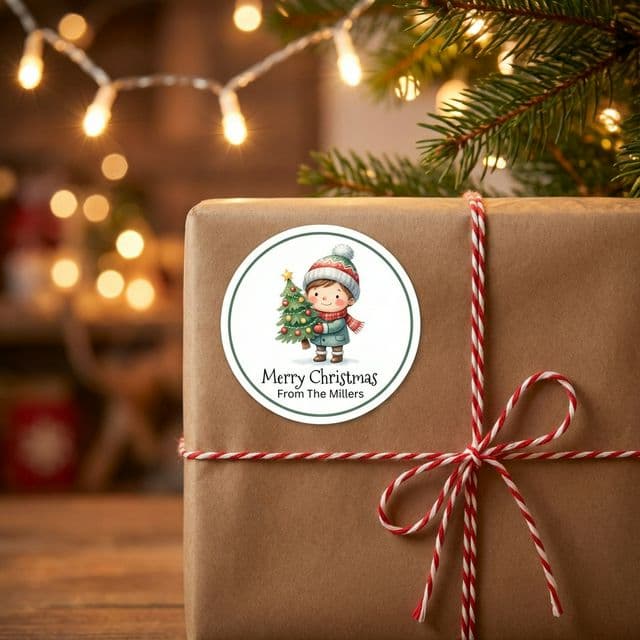
Christmas Gift Label Stickers: Sizes, Costs and Steps
How to make personalised Christmas gift labels: which sticker size fits a present, what a sheet costs in AUD, and the five steps from photo to parcel.
4 min read
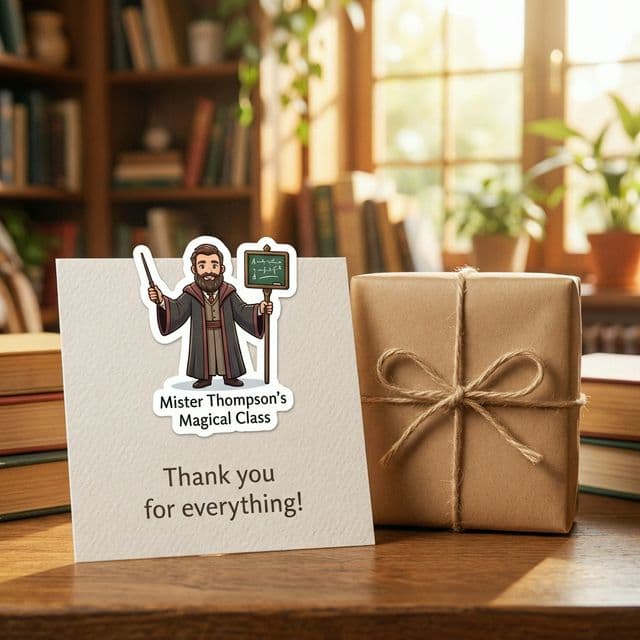
7 Teacher Gift Ideas That Aren't Another Mug
End of year teacher gifts in Australia that won't collect dust. Personalised, practical, and not a candle in sight.
4 min read
7 Ways to Celebrate Your Kid's Dance Recital
From the dance bag to the dressing room mirror, personalised dance stickers turn a ten-minute performance into a keepsake that lasts.
4 min read

Want to make one?
Choose a photo, pick a scene, and preview your sticker sheet.